Well, I guess I missed a step, because YouTube didn't like my codec. I'll fool with that later.
I spent about three hours of class just trying to get my textures to show up in Hammer. Naturally, my problem was that the folder was only two steps away from where it needed to be. I knew the solution was simple like that somehow. I keep thinking about how glad I am that I don't actually do this for a living...
Using the "UnlitTextures" function in the textures' .vmt file gave the bold effect I wanted, but at a cost: apparently, the textures don't reflect any light, either. I guess this is a problem for items within that don't also have the UnlitTexture line.
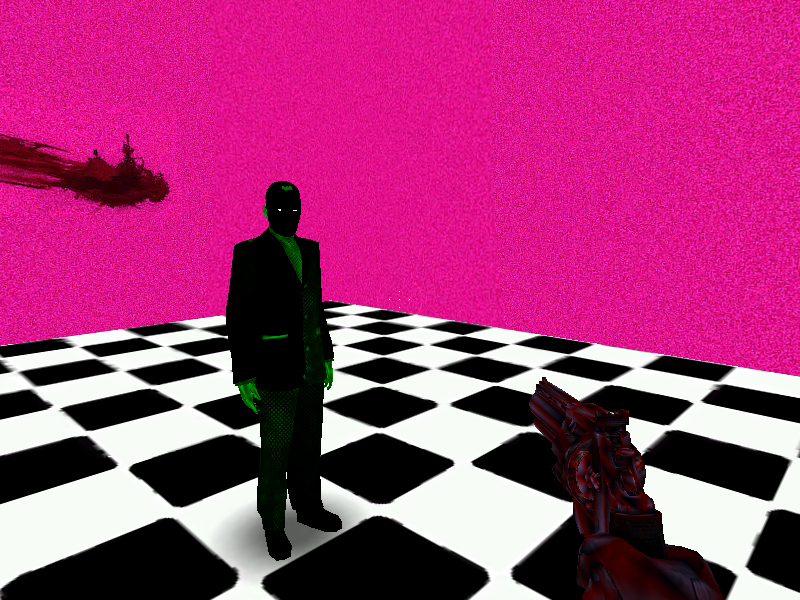
This is even with about seven light sources floating right next to his stupid face. So I remade the room and gave it normal-textured walls and even more lights, and it looks okay, even super-bright like I like it.
What this means is I can either (a) shoot footage of the custom rooms and the custom actors separately and splice it all together later, or (b) use normal-lit textures and about a bazillion full-brightness lights for every scene. Seeing as the extra lights seem to eat up the RAM (and my computer starts to chug if I so much as gaze at it too intently), I'm sticking with Plan A.
I think it will work better.
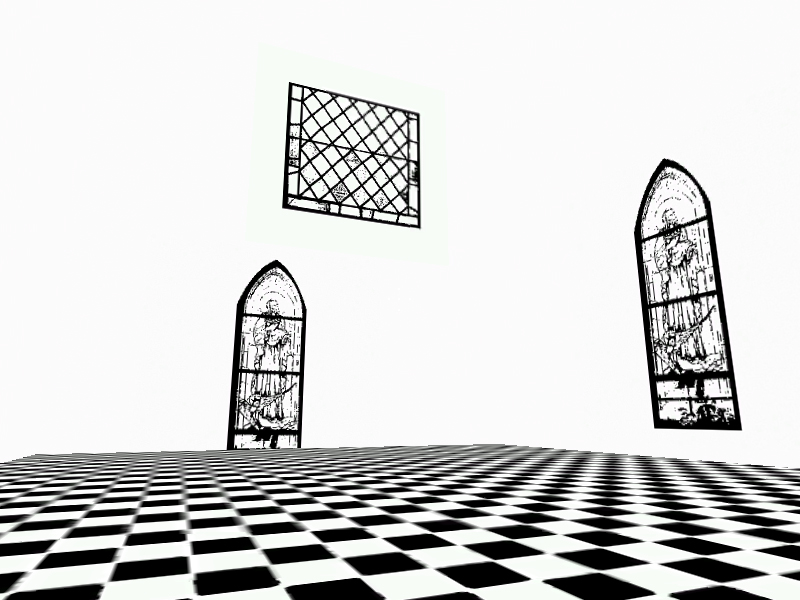
This is definitely the look I was going for.
Anyway, since I spent too much time goofing with the textures, I'm going to have to put in extra hours in the lab this week. I live three hours away and have absolutely none of the necessary facilities at home for this project.
I'm not exactly looking forward to this week.